10 Tips for a SIMPLE Video Production Process [The SRV Method]
Imitate my simple and practical video production process; the SRV method. Learn to script, record and visualize your story in a way that frees up energy to be creative, not busy.
Guide
Video production does not need a studio or a big budget. This is my guide to planning and making educational and explainer videos, with the script as the starting point.
5 articles and 5 courses in the archive · by Rued Riis
I have made explainers, tutorials and course lessons for years, and the thing that saved me the most time was a simple order of work. I describe it in my video production process post: Script, Record, Visualize. You write the script first, record it as a voice-over or in front of a camera, and only then add the visuals.
Starting with the script is the part most people skip. My Strong Scripts course was built around three script templates for exactly that step, and the Powerful Process course walks through the full Script, Record, Visualize flow in short lessons. For the recording step, Voice-Overs in GarageBand shows how to turn raw audio into a clean voice-over.
Production is only half of it. The other half is what you are making and for whom. I use the educational video design model to think about that, and microlearning is the format I come back to most for training: short, stand-alone lessons that answer one question. If you want to see the whole thing applied, the e-learning content post shares a full script and my work process.
When I need a transcript, for subtitles or a podcast text version, I use a speech to text tool, and I have a roundup of the ones I tested. For the animation side of the visuals, see my Vyond and animation video guides, and for packaging lessons into a course, online courses. The courses are a closed archive now, so I link them as reference, not as something to buy.
Start here
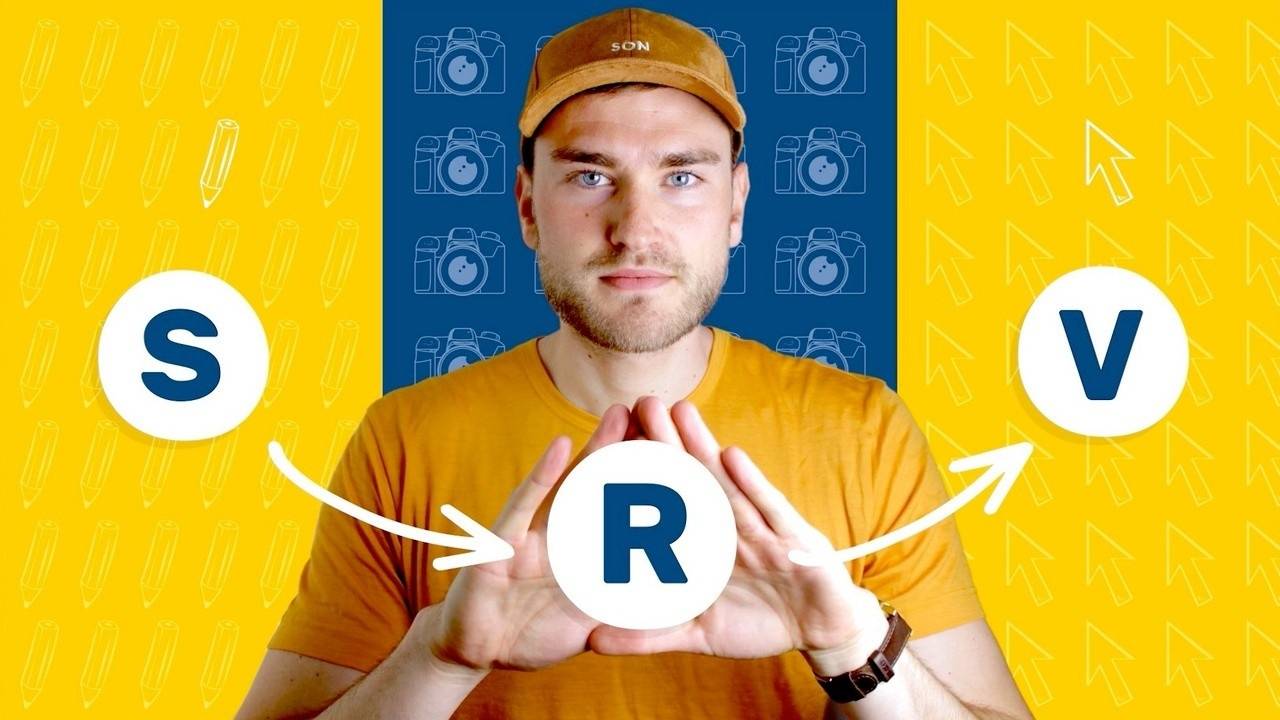
Imitate my simple and practical video production process; the SRV method. Learn to script, record and visualize your story in a way that frees up energy to be creative, not busy.
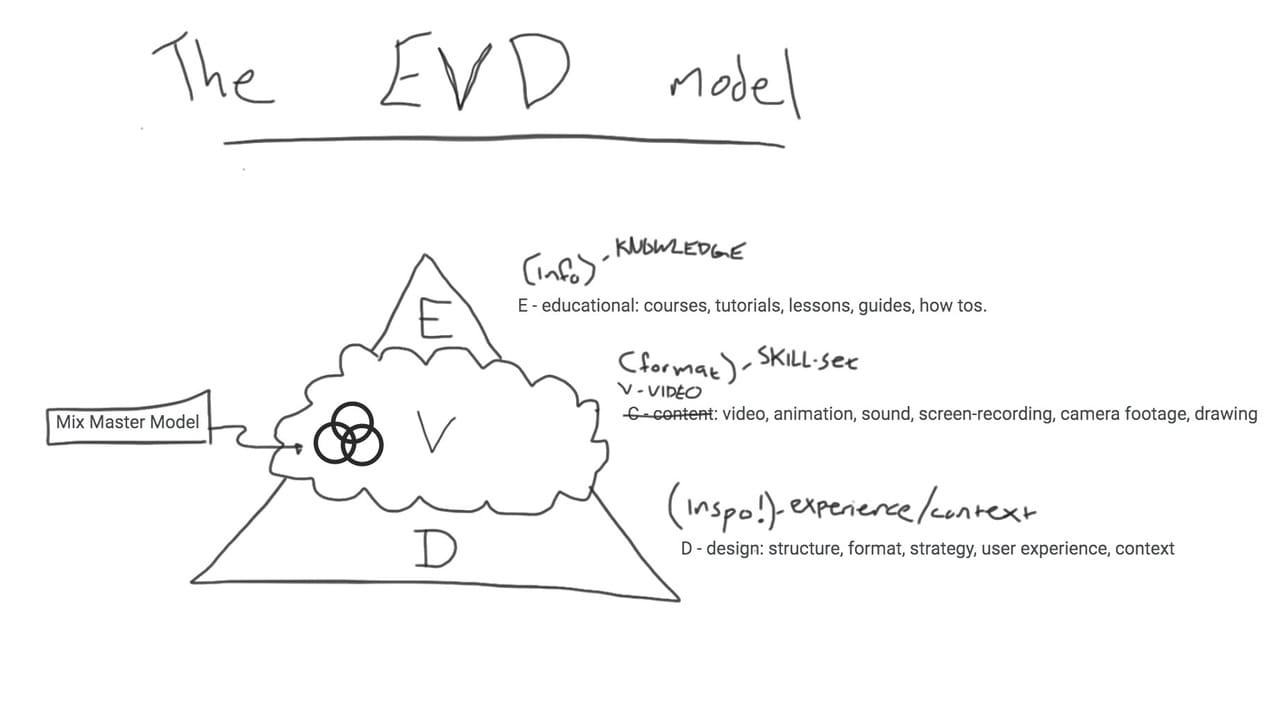
Modern teachers need their content to be Educational, in Video-format and well-Designed. Read along to learn how you can use the EVD model to up your teaching game.
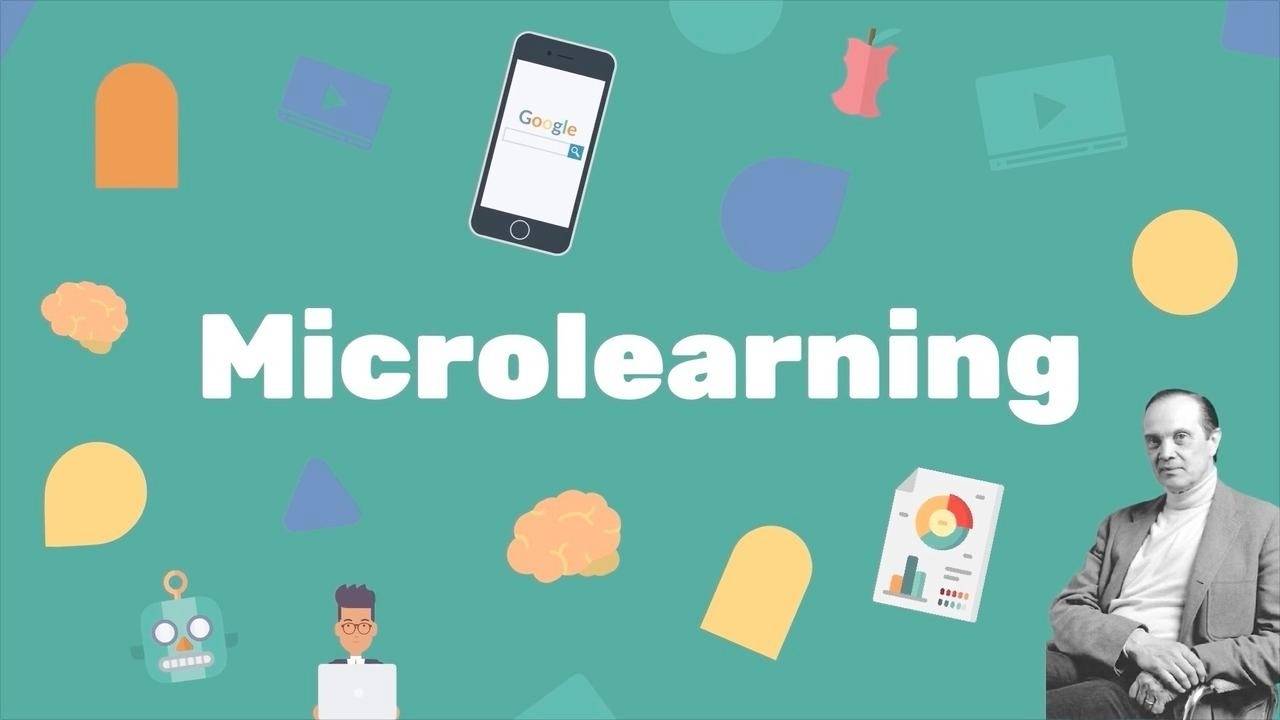
Microlearning is a learning method where lessons are short, digital and mobile. Micro lessons answer specific questions—when and where the students need answers.
How I plan a video before I touch any software, and the way I think about making educational video that people actually want to watch.
Short lessons for training, plus a worked example with a full script and the work process behind an e-learning video.
A roundup of speech to text tools I tested for transcripts and subtitles. It is a snapshot of when I wrote it, so check the tools before you pick one.
Course archive
These courses are closed to new students. The pages show what each one covered.
Write great video scripts that make production efficient.
Turn raw audio into professional voice-overs in GarageBand.
A video productivity course: a solid 3-step framework for creating engaging video formats in the least amount of time.
Everything you need to turn an idea into a finished video, simply.
A live session I ran on going from script to voice-over to finished video.
FAQ
The one I use is Script, Record, Visualize (SRV). You write the script first, record it as a voice-over or in front of a camera, then add visuals such as animation or screen recordings. It is built around the core message and kept to three steps, not ten.
I start with the script and skip the storyboard entirely, which saved me a lot of time. The script holds the core message, and the visuals are there to back it up. I use three script templates for this: The Fish, The Better World and The USP Uzi.
No. You can record your script as a voice-over, or in front of a camera if you prefer. Plenty of people dislike being on camera, and a voice-over with animation or screen recordings works well. If you go with a voice-over, my GarageBand course covers how to clean up raw audio.
In my experience, no. I keep my process simple on purpose: my camera is about ten years old and has no autofocus, and I assemble videos in simple software. My view is that the best process is the one that does not get in your way, and fancy gear can slow you down.
Microlearning is learning in short, stand-alone units consumed on digital media, each one answering a specific question. Video is the most common format, though fact sheets, infographics and slideshows work too. To work in practice it should be on demand, searchable, flexible and useful in itself.
The courses on this site are a closed archive, so you cannot enrol. The course pages describe what each one covered, and the blog posts above give you the core ideas for free.
Vyond guide
Everything I know about Vyond after 10+ years: tutorials, masking, motion paths, tool comparisons and how to make instructional and e-learning videos.
Guide
A practical guide to animation video from an animator of 10+ years: how to get ideas, which tools to try, and how to earn a living as a freelancer or agency.
Guide
A guide to online course platforms and how to sell online courses: Kajabi, Podia, Teachable, Thinkific and lighter options, plus selling and creator advice.